Workflows
How a 3PL WMS works, from the dock door to the invoice
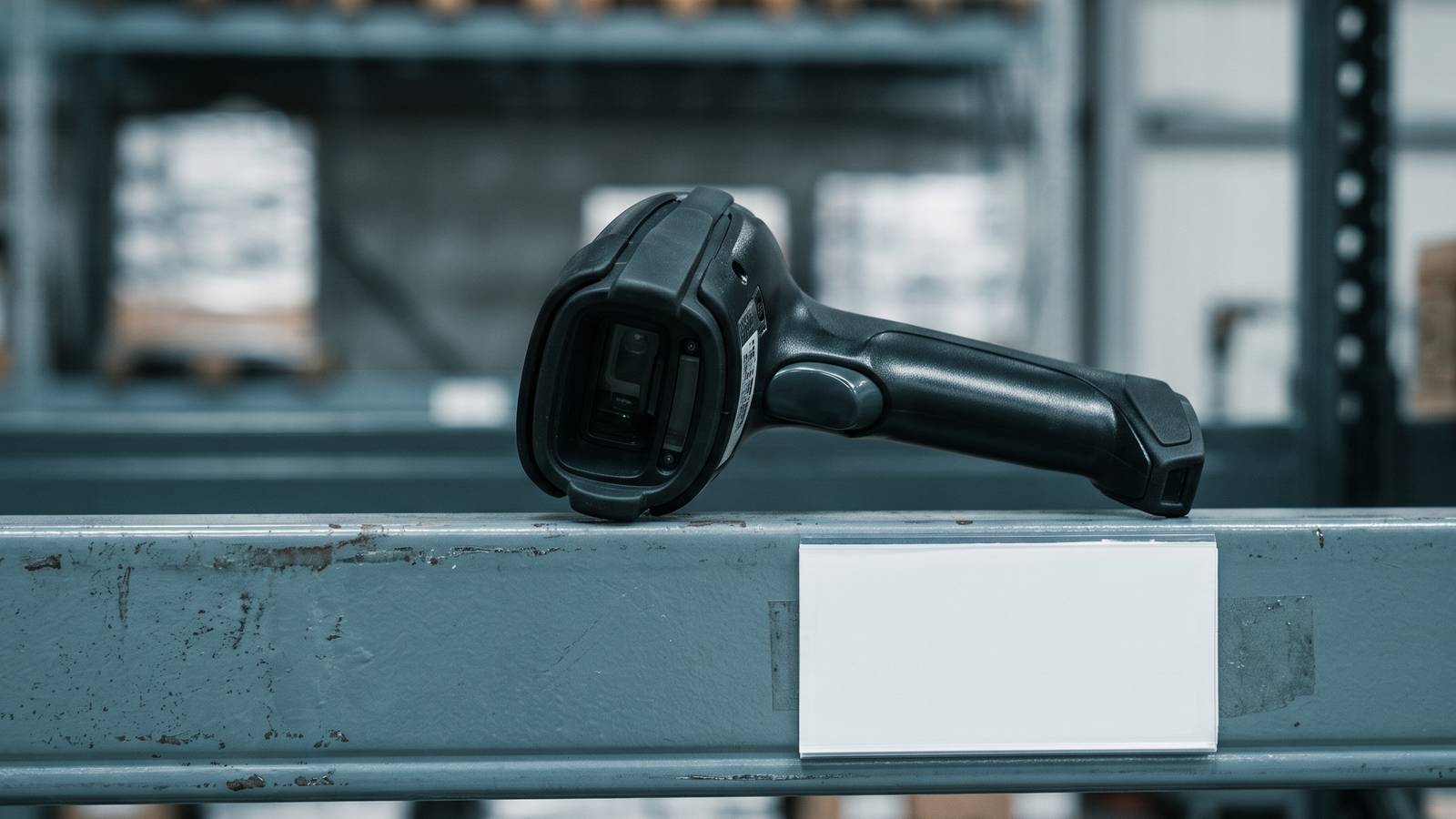
A 3PL WMS is the system that records every step a client's stock takes through a third-party warehouse, from arrival to invoice. The easiest way to understand it is to stop thinking about software and follow a pallet. We will call this one pallet P-100 and pretend it belongs to a hypothetical client, a seller of kitchen gadgets. Every number and name below is invented for the example.
P-100 holds twelve cartons of the same item. By the time it is gone, the system will have recorded about a dozen events. Each one matters to someone: the floor, the client or your billing clerk.
1. Before it arrives
The client tells you what is coming: item, quantity, date, carrier. In the WMS this becomes an expected receipt, sometimes called an inbound order or advance notice.
Why it matters: the dock team now has something to check against. Without it, receiving is a guess and every shortage becomes an argument.
What a person decides: whether to accept a late or unannounced delivery, and where to slot it into the day.
2. The truck arrives
The driver checks in. Someone assigns a door. The paperwork is matched to the expected receipt.
The system records: the arrival time, the carrier, the door, and who checked it in.
This arrival time can later settle a dispute about when the stock was really received, and it can start storage charges.
3. Counting and checking
The receiver scans the pallet label or each carton and enters or confirms counts. The system compares what was counted with what was expected.
If P-100 has eleven cartons instead of twelve, the system should not quietly accept it. It flags the difference, asks for a reason, and ideally lets the receiver add a note and a photo.
What a person decides: whether to accept the short count, hold the pallet or call the client.
4. Putaway
The system suggests a storage location. This can be as simple as "next open pallet slot in the client's zone" or based on rules, such as item size, how fast it sells or temperature needs.
The receiver drives the pallet to the location and scans the location label. Only then does the system treat the stock as stored, and only then is it available to promise to orders.
Why the scan matters: a pallet that is "put away" in the system but sits on the wrong rack is the start of most missing-stock stories.
5. Storage
For days or weeks, little happens, but the system is still working. It knows quantity per location and per client, and many 3PLs also take regular snapshots of space used, since storage is often a billed charge.
What a person decides: whether to count a location, move stock closer to the pick area, or flag old stock to the client.
6. An order arrives
The client's store sends an order for two of the gadgets. The WMS receives it, checks that stock is available for that client and reserves it. Reserved stock is not available to other orders, even though it has not yet left the shelf.
Why this matters: it prevents two orders from claiming the same unit. If the stock is not there, the system should say so before a picker walks to the shelf.
7. Picking
The system creates a pick task: go to this location, take two of this item. A picker, using a handheld scanner or a printed list, goes and confirms by scanning.
If you pick several orders together in one trip (batching) or split the building into zones, the system does the grouping and keeps track of which unit belongs to which order.
What a person decides: what to do on a short pick, when the location holds fewer than the task asks for. The system will need a decision: look elsewhere, cancel a line, or backorder.
8. Packing
At the pack station, the packer scans the items. The system checks them against the order. A wrong item gets a warning before the box is sealed.
The system may also suggest a box size, print a packing slip and ask for a weight. Then it creates a shipping label for the carrier the client chose.
9. Shipping
Packed orders are scanned onto a pallet or into a bin for the carrier. At pickup, the day's shipments are closed out, sometimes with a manifest the driver signs.
The system sends tracking back to the client's store, and the order moves to shipped. The stock is now removed from the building's on-hand figure.
10. Billing
All along the way, the system has been writing small records: received one pallet, stored it for some days, picked two units, packed one order, shipped one parcel. Each record carries the client's name.
At the end of the billing period, those records are matched to the client's rate card and turned into charges. A person usually reviews the draft invoice before it goes out. This is where a missing scan costs you real money: no record, no charge.
11. What the client sees
The client's view might show P-100 arriving, the stock on hand, the order status and the invoice. The less they have to email you for, the better the system is doing its job.
Where mistakes enter
Looking back over the journey, nearly all errors enter at the same three places:
- Counts at receiving. A wrong number here is wrong everywhere after.
- Location scans. The system's idea of where stock is must match the building.
- Exceptions. Short picks, damages and returns need a clear path, or they get fixed outside the system.
If you are comparing systems, ask to see each of these three handled live.
What this tells you about buying
- A 3PL WMS is not one big feature. It is a chain of steps, each handing something to the next.
- The client name has to travel with the stock through the whole chain, or billing and reporting break.
- The system is only as good as the scans your people actually make. A simple screen that the floor will use beats a clever one they skip.
If you are weighing subscription software against a one-time custom build, no per-seat, per-truck or per-client fees, the journey above is the checklist to take into both conversations. Ask each side to walk P-100 through its own system.
Questions people ask
What is a 3PL WMS system?
A 3PL WMS is the system that records each step a client's stock takes through a third-party warehouse, from expected receipt to billing, with the client's name carried on the stock the whole way.
How does a 3PL WMS work step by step?
Follow one pallet. It is announced, arrives and is counted, put away and scanned into a location, stored, reserved by an order, picked, packed, shipped and then billed from the records written along the way. Each step hands something to the next.
Where do mistakes happen in a 3PL warehouse system?
At three places. Counts at receiving, because a wrong number there is wrong everywhere after. Location scans, because the system's idea of where stock is must match the building. Exceptions such as short picks, damages and returns, which need a clear path or get fixed outside the system.
Why does the client name matter in a 3PL WMS?
It has to travel with the stock through the whole chain, or billing and reporting break. Each small record the system writes carries the client's name.
How does billing work in a 3PL WMS?
Along the way the system writes records such as pallet received, days stored, units picked and order shipped. At the end of the billing period they are matched to the client's rate card and turned into charges, and a person usually reviews the draft invoice. No record means no charge.
Does every step in a 3PL WMS need a scanner?
Not always, but every step that changes stock should leave a record. Some small operations start with fewer scans and add more as they grow.
Can one system do every step of 3PL warehouse work?
Many can handle every step in some form. The useful question is how well each step fits your clients' rules.
Where does a transport system fit with a WMS?
A warehouse system handles what happens inside the building. Moving goods between buildings is usually a separate function, and some 3PLs use a separate tool for it.
Sources
- No third-party facts, prices or vendor claims are used on this page.