Workflows
Putaway and location logic in a 3PL WMS
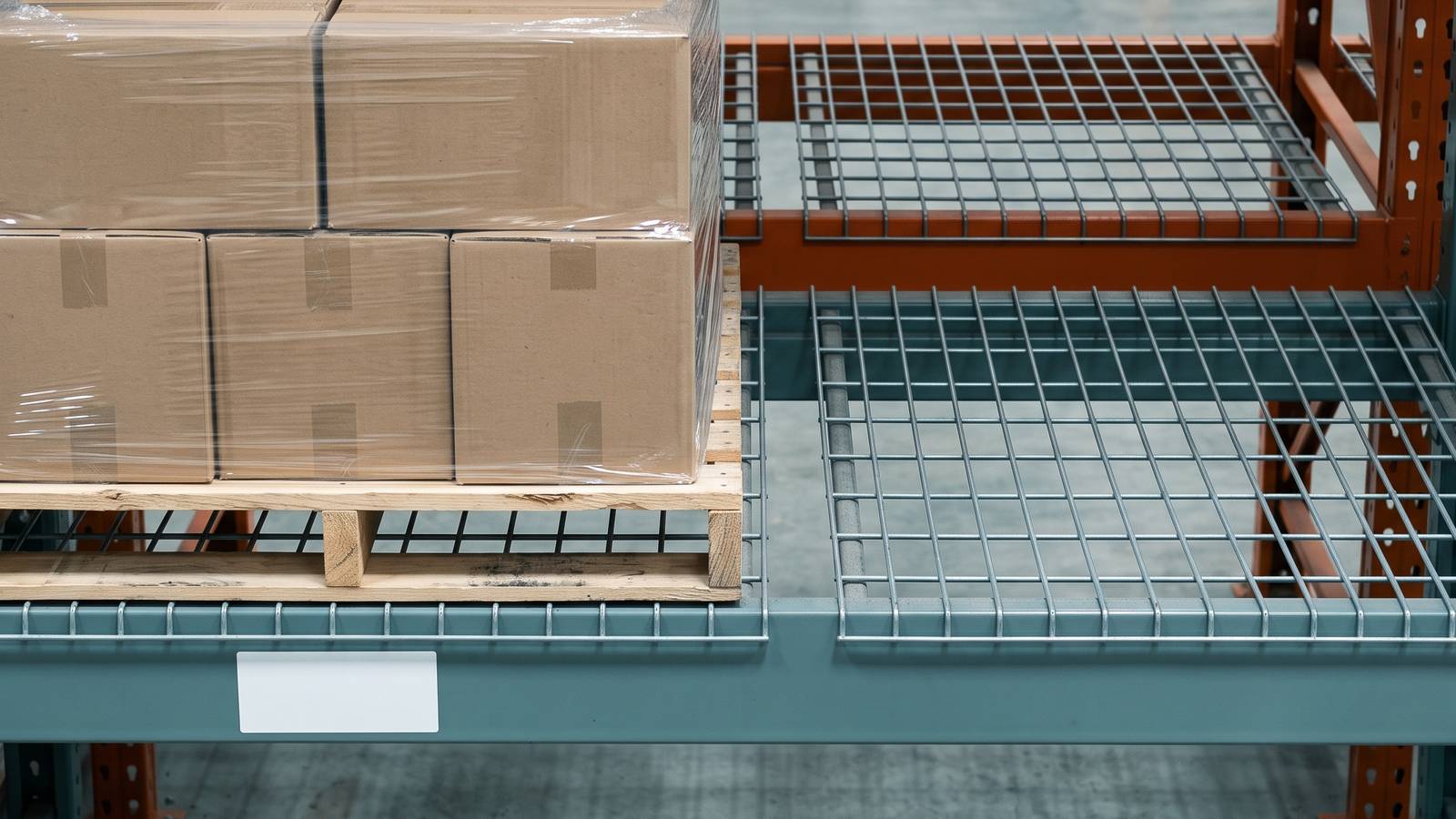
Putaway in a 3PL WMS is the step where the system chooses a location for received stock, sends someone there and waits for a scan to confirm it. Stock put away in the wrong place looks fine until somebody needs it.
This page explains how a 3PL WMS handles the step after release: choosing a location, sending someone there, and confirming it is done. It sticks to basic rules. More advanced slotting is a separate subject.
What a location is
A location is a named place in the building where stock can sit. A good name tells a person how to find it. A typical pattern is aisle, bay, level and position, such as A-04-2-B.
Locations have a type. Common ones:
- Pallet position. A slot in racking holding a full pallet.
- Shelf or bin. A small space for loose cases or pieces.
- Floor location. A marked area on the ground, often for bulky items.
- Staging. A temporary area near the dock or pack stations.
- Quarantine or hold. A place for stock that must not be picked.
The type matters because the system uses it to decide what fits.
What the system needs to know
For the system to suggest a sensible location, it needs two sets of facts.
About the stock: the client, the item, the unit (pallet, case or piece), the size and weight if you have them, and any handling rule.
About the locations: the type, what it can hold, whether it is already occupied, and whether it is restricted to a client or a kind of item.
If this data is thin, the system can still work, but it will suggest less and the putaway person will decide more.
Basic putaway rules
Most 3PL systems offer some version of these. Think of them as a list of questions the system asks in order.
By client. Some 3PLs give each client their own zone. The rule says: a Client One item goes only to Client One locations. This is simple and easy for the floor to follow. The price is that space may sit idle in a zone while another zone overflows.
By item. A given item always goes to the same place, or the same area, so pickers learn where it is.
By size. Pallets go to pallet positions, cartons to shelves. A rule can stop a pallet being sent to a bin location.
By activity. Items that move often go near the pack area, slow ones further away. In basic form, this is a label you assign, such as "fast" or "slow", and a rule that matches it to a zone.
By condition. Stock needing cold, lock-up or separation from other goods goes to the matching area only.
Rules are tried in order. The first location that meets all of them is suggested.
Directed or user chosen
There are two ways the person with the pallet gets their destination.
The image below is the rack view from the Microsive demo platform, using demo data, with a forklift carrying a putaway task along an open aisle.
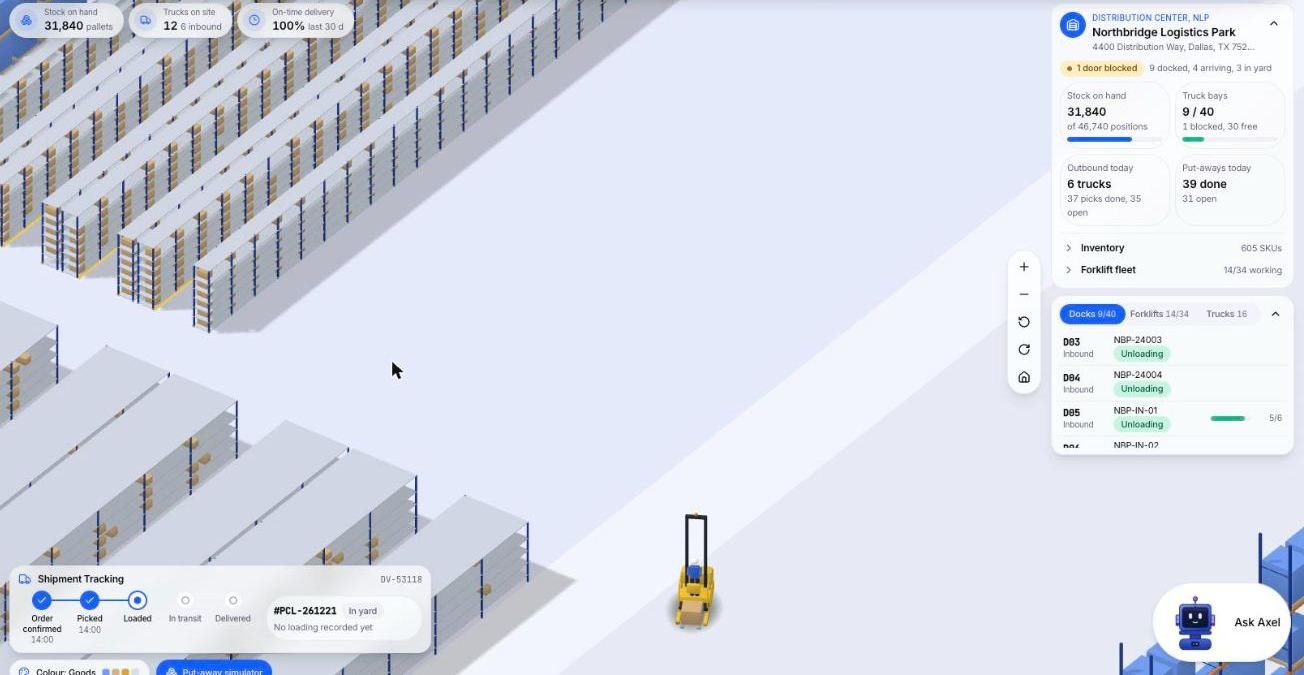
Directed putaway. The system tells them: go to A-04-2-B. Scan the pallet, scan the location, done. This keeps the building organised, and new staff can work without knowing the layout.
User chosen. The person puts stock where there is room and scans to say where. This is flexible and useful in small buildings, but it relies on honesty and care.
Many operations use both. Directed for the main racking, user chosen for odd items, and the system lets the person override with a reason.
The scan that confirms
A putaway is not finished when the pallet is on the shelf. It is finished when someone scans the location label and the system accepts it.
That scan does three things. It confirms the stock is where the system says. It updates the stock record from "in receiving" to "stored". And it records who did it and when.
Without the scan, you rely on trust. With it, a picker on Thursday can find the item the receiver stored on Monday.
What if the person scans a different location from the one suggested? A sensible system allows it only if the rule permits, and asks for a reason or a supervisor's code when it does not.
When the location is full
This happens on busy days. The suggested location has no room, or someone else filled it.
Good systems handle this by:
- Letting the person report the location as full, which marks it unavailable.
- Suggesting the next best location straight away.
- Showing the supervisor a list of locations that were reported full, so they can be checked.
Hypothetical case: a client's seasonal product arrives, and their normal zone holds only two thirds of it. The remaining pallets need an overflow location. The system should let you assign one, tie it to the item and show pickers both places until the overflow is cleared.
Mixed locations
Can two clients share a bin? Can two items from the same client? This is a policy choice, and the system should let you set it.
Many 3PLs keep one client per location to avoid mix-ups. Others allow several items per bin with scanned confirmation on every pick. If you allow mixing, make sure the picker's screen shows the item code clearly and requires a scan.
Common problems
- Locations labelled on the shelf but not in the system, or the other way round.
- Putaway done in batches at end of shift, so the system is hours behind.
- Pallets put away at the first gap, ignoring rules, because the screen was slow.
- Partial pallets that are never merged back.
- No regular check that the system's location matches what is physically there.
The last one is the reason many buildings run periodic counts. This site does not cover cycle counting, which is its own topic.
A simple starting setup
For a small 3PL, start with a short list:
- Name every location in one pattern and label it.
- Set a type for each location.
- Add two rules: by size, then by client.
- Require the location scan.
- Give supervisors a way to see "reported full" locations.
You can add activity rules and more detailed slotting later, once the basics run without arguments.
Questions people ask
What is directed putaway?
The system tells the person where to go, for example A-04-2-B, and they scan the pallet and then the location. It keeps the building organised and lets new staff work without knowing the layout. User chosen putaway is more flexible in small buildings but relies on honesty and care.
How does a WMS choose a putaway location?
By trying rules in order, such as by client, item, size, activity and condition, and suggesting the first location that meets all of them.
Why does the location scan matter in putaway?
It confirms the stock is where the system says, moves the record from in receiving to stored, and records who did it and when. Without it you rely on trust.
What happens when a putaway location is full?
The person reports it as full, which marks it unavailable, and the system suggests the next best location straight away. Supervisors can see a list of locations reported full so they can be checked.
Can two clients share a bin in a 3PL WMS?
That is a policy choice the system should let you set. Many 3PLs keep one client per location to avoid mix-ups. Others allow several items per bin, with a clearly shown item code and a required scan on every pick.
Sources
- No third-party facts, prices or vendor claims are used in this page.