Workflows
3PL order allocation workflow: reserving stock and releasing pick work
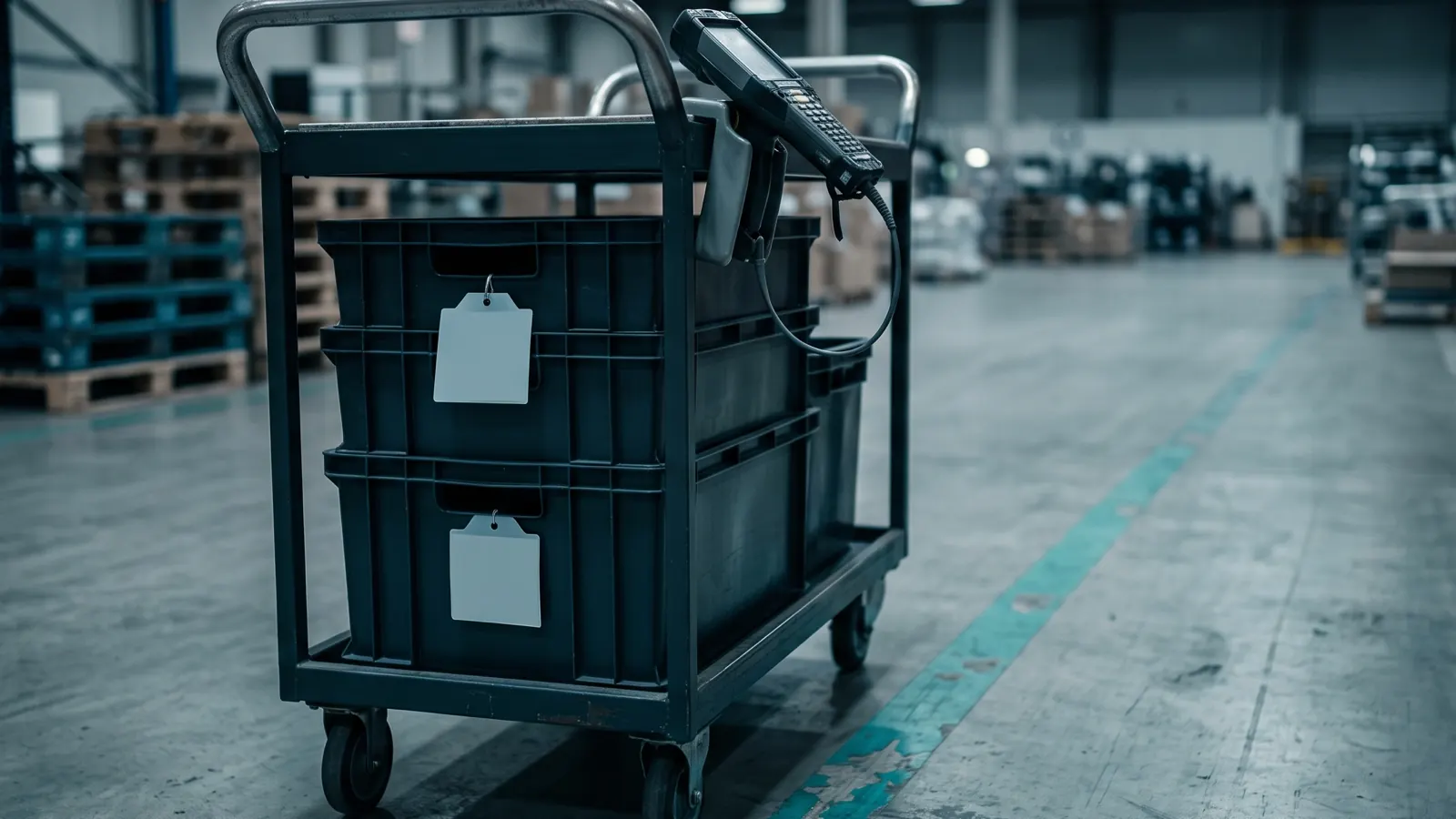
Before anyone walks to a rack, the WMS has already decided which stock belongs to the order. In a 3PL that decision has extra weight, because the stock belongs to someone else and every client has its own rules. This page follows one order from arrival to release: allocation, exceptions and cutoff times.
If you want the whole journey first, how a 3PL WMS works follows one pallet from dock to invoice. This page zooms in on the middle.
Step one: the order arrives
The client's store or system sends an order. It names the client, the items, the quantities, the ship-to address and the service level. In the WMS it becomes an outbound order with a status such as "new".
At this point nothing physical has happened. The first thing the system checks is whether it can fill the order from stock that is available to use. Available is not the same as on hand. Stock on hold, damaged, or already reserved by another order is on hand but not available.
Step two: allocation
Allocation reserves stock for the order. It is a record, not a movement. The system picks specific units, for example "6 of item K-210 from location A-04-2-B", and marks them as reserved.
How it chooses depends on the rules you set:
- Client first. Stock owned by another client is never touched. This sounds obvious, but it is the rule that matters most in a 3PL. It should be built into the allocation itself, not left to the picker.
- Rotation rule. Oldest received first (FIFO), or earliest expiry first (FEFO) for products with a shelf life. Set it per client or per item, because two clients can store similar goods and want different rules.
- Lot and date rules. Some clients need one lot per order, or a minimum remaining shelf life for their own customer. The allocation should skip stock that fails the rule instead of leaving it for someone to catch at the bench.
- Location type. Prefer the pick face (the shelf or bin pickers work from) before reserve pallets higher up. When the pick face runs low, the system can raise a replenishment task from reserve.
- Fewest locations. Fill the order from as few places as possible, so the picker walks less.
When allocation cannot fill the order
Allocation is also where the system learns that it cannot fill an order. Your options are usually:
- Hold the whole order until stock arrives.
- Ship what is available and backorder the rest. The remaining quantity stays open and is allocated when stock is received.
- Cancel the short line and tell the client.
That choice often belongs to the client, so a good system lets you set it per client rather than per building. One client wants complete orders only, another wants anything that can ship to ship today.
Backorders need their own handling. A backordered line should allocate automatically when a receipt is put away, in order of the original order date, so that older orders are not overtaken by newer ones. It should also show on the client's view as open, not disappear. If a backorder sits for days with no one watching, the client will ask where the order is before you notice it.
Timing: allocate late, not early
A common problem is allocating too early. If orders reserve stock days before they will be picked, a rush order for the same item shows "out of stock" even though the shelf is full.
Many teams allocate only when the order is close to release. Orders with a future ship date wait in "new" until their window opens. The trade-off is that late allocation means the shortage is found later, so keep an eye on the "cannot allocate" list rather than hoping it stays empty.
Step three: releasing orders to the floor
Allocated orders are not picked until they are released. Release is the moment the system creates pick tasks and puts them in front of the floor. Each task says: go to this location, take this item, this many, put it here. Tasks are ordered into a route so the picker moves through the building in one direction instead of zigzagging.
Release can happen one order at a time, or in groups at set times. Many 3PLs release in groups tied to the day's carrier pickups. A group might be "all orders for the 3 pm pickup", "all orders for client X", or "all orders needing the cold room". How the picks inside a group are carried out, one order at a time, batched or by zone, is a separate decision, and it matters less than getting the release times right.
Cutoff times
Each client usually has a cutoff: orders received before it ship the same day, orders after it ship the next. The WMS should apply the cutoff to the order's received time and show the result, so nobody has to guess.
Work backward from the carrier pickup:
- The carrier collects at a fixed time.
- Packing and labelling need a known window before that.
- Picking needs a window before packing.
- Release has to happen before picking starts.
If a client's cutoff is noon and the carrier leaves at four, release has to leave enough time for picking and packing in between. Teams that skip this arithmetic find out at the dock, with a half-packed pallet and a truck waiting. Put the release times on the schedule and let the system warn you when an allocated order has not been released and the pickup is close.
When the pick goes wrong
The picker scans the location. The shelf has four units, not six. This is a short pick, and it is where a weak system leaves the floor guessing.
A sensible flow looks like this:
- The picker enters what they actually found, and the system records it with the reason.
- The system checks for stock of the same item, client and lot rule in another location and, if there is some, creates a new task.
- If there is none, the order line goes to a supervisor with a clear status, and the client's backorder or cancel setting applies.
- The location is flagged for a count, because the record was wrong.
That last point matters. A short pick is an inventory check you did not have to pay for. If nobody follows up, the same wrong number will cause the next short pick.
Other exceptions are damaged stock found while picking, a wrong item in the location, and a location that is blocked. Each needs a button or a reason code. If the only option is to skip the task, the problem moves to the packing bench or the client's customer.
What the scan proves
At each pick, the picker should scan the location and then the item. Scanning only the location proves they were in the right place. Scanning the item proves they took the right thing. For items that look alike, such as the same product in two sizes, the item scan is the only protection you have. For lot-controlled items, the lot should be scanned or confirmed too, otherwise the allocation rule was followed on paper and ignored on the floor.
Handing off to packing
When the last task for an order is complete, the order moves to packing and its stock is marked as picked, not just reserved.
A simple starting setup
- Allocate close to release, not at order entry.
- Set the rotation rule (FIFO or FEFO) per client or per item.
- Never allow allocation across clients.
- Set hold, ship partial or cancel per client for orders that cannot be filled.
- Release in groups tied to carrier pickups, with a warning when a pickup is near and orders are still unreleased.
- Make short picks trigger a count, not just a note.
Allocation depends on clean locations and accurate counts, so the earlier steps matter. See putaway and location logic for how stock gets its place, and 3PL WMS modules explained for what the order and picking modules hand to each other.
Questions people ask
What is order allocation in a 3PL WMS?
Allocation is the step that reserves specific stock for a client's order, by item, quantity, lot and location, before any pick task exists. Reserved stock is no longer available to other orders, and stock owned by another client is never touched.
What is the difference between FIFO and FEFO allocation?
FIFO allocates the oldest received stock first. FEFO allocates the stock with the earliest expiry date first, even if it arrived later. Use FEFO for anything with a shelf life, and set the rule per client or per item.
When should a 3PL allocate an order?
Close to release, not at order entry. If orders reserve stock days before they are picked, a rush order for the same item can show out of stock while the shelf is full.
What happens when there is not enough stock to allocate an order?
The usual options are to hold the whole order, ship what is available and backorder the rest, or cancel the short line. The choice often belongs to the client, so the system should let you set it per client.
What is a short pick and what should it trigger?
A short pick is when the picker finds less stock than the system said. The system should record the reason, look for the same item in another location, send the line to a supervisor if there is none, and flag the location for a count.
Sources
- No third-party facts, prices or vendor claims are used on this page.